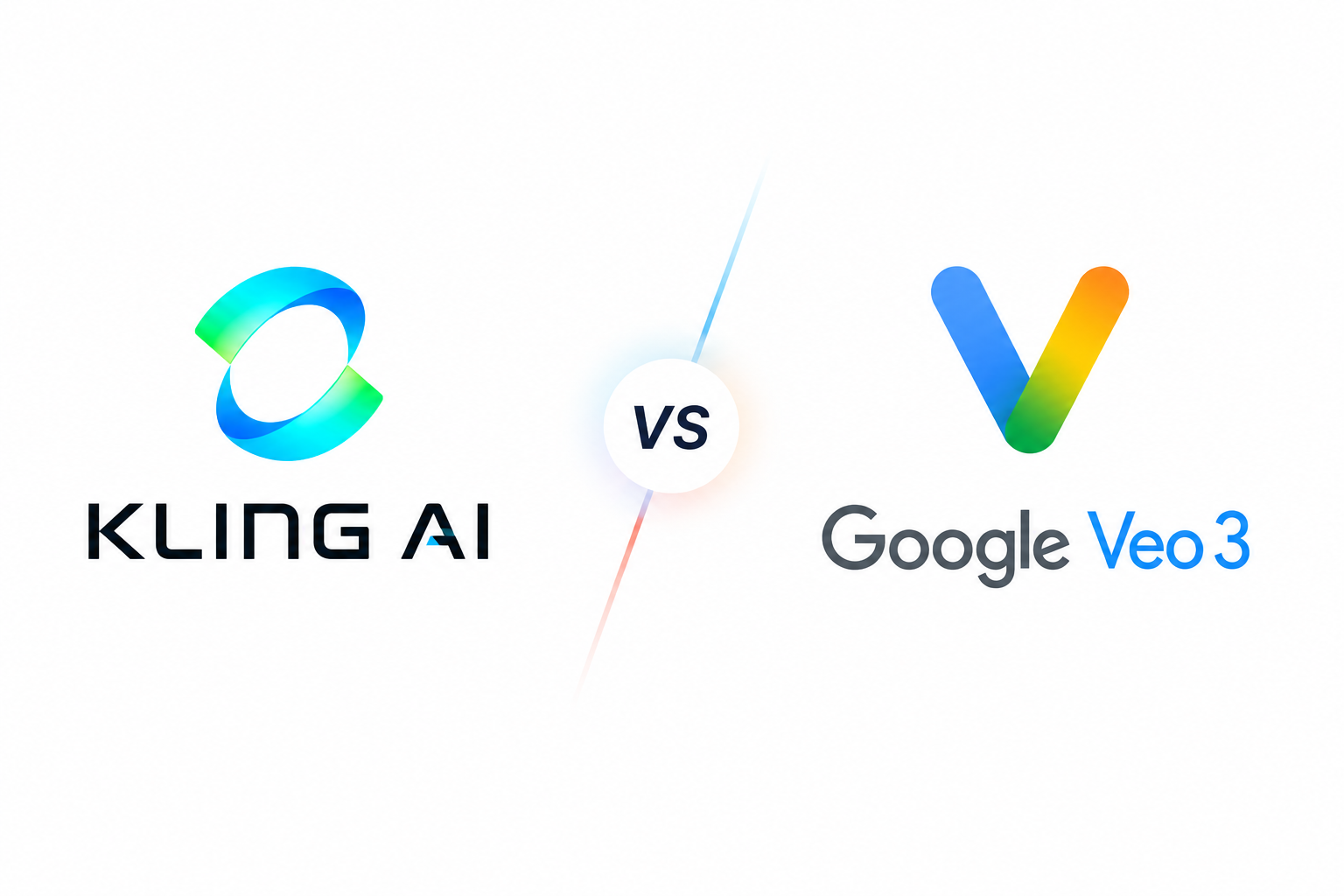
Kling 3.0 vs Veo 3.1
both generate usable footage from text or images, both bake in native audio, and both can hit 4K — so the old feature-checklist comparison doesn’t settle much anymore. The real difference shows up once you’re generating: Kling leans into longer, multi-shot sequences with consistent characters; Veo 3.1 leans into cinematic realism and tighter prompt adherence. Neither wins outright — they’re built for different shots.
The quick answer:
| If you need… | Go with |
|---|---|
| Multi-shot storytelling | Kling 3.0 |
| Longer single clips (up to 15s) | Kling 3.0 |
| Character consistency | Kling 3.0 |
| High-volume, fast iteration | Kling 3.0 |
| Legible on-screen text | Kling 3.0 |
| Cinematic realism, lighting | Veo 3.1 |
| Tight prompt adherence | Veo 3.1 |
| Best-in-class audio sync | Veo 3.1 |
| Native audio, 4K | Both |
Where they actually diverge
Kling optimizes for motion and continuity — multiple connected shots, a character that stays recognizable, multilingual dialogue — built for people producing a lot of footage fast. Veo optimizes for fidelity — lighting that reads as photographed, physics that hold up, audio tightly synced to picture — built for fewer shots that each need to look expensive.
Feature-by-feature
| Feature | Kling 3.0 | Veo 3.1 |
|---|---|---|
| Multi-shot sequencing | Yes, incl. custom shot-by-shot mode | No |
| Max single generation | 15 seconds | 8 seconds (extendable) |
| Character consistency | Dedicated reference-element workflow | Reference-image support |
| On-screen text rendering | Strong | Weaker on longer strings |
| Complex physics (fluids, collisions) | Occasional glitches | More stable |
| 4K output | Yes | Yes, Standard/Fast tiers |
| Multilingual dialogue | 5 languages documented | Strong sync, fewer languages |
| Ecosystem | Standalone | Gemini, Vertex AI, Flow |
Two of these rows are worth calling out, since most comparisons skip them: Kling has a genuine edge in legible on-screen text (labels, signage) — most models turn text to mush, Kling holds it together better. Veo’s edge is complex physics — fluids and multi-object interactions stay more plausible, where Kling’s more energetic motion can glitch. Test whichever matters for your shot before committing budget to either.
Audio, length, and pricing
Audio: both generate it in the same pass now. Veo still edges out on raw lip-sync precision; Kling counters with stronger multilingual/accent support, which matters more if you’re localizing.
Length: Kling’s 15-second single pass plus shot-planning is the bigger structural advantage — Veo’s 8-second cap means more stitching for connected sequences.
Pricing: Kling bills in credits (6–12 credits/sec depending on resolution/audio, entry plan ~$10/mo). Veo bills per second via API — Standard $0.40–0.60/sec, Fast $0.10–0.30/sec, Lite $0.05–0.08/sec (no 4K). For volume, Kling is usually cheaper per clip — but that only matters relative to how many attempts a shot needs. Fastest way to know: run the same prompt on Kling Standard and Veo Fast side by side; it costs a fraction of either monthly plan.
Which one fits your project
- High-volume social/UGC/ads → Kling, for speed and multi-shot handling.
- Cinematic hero shots, premium brand films → Veo, for realism and physics.
- Product/ecommerce with visible text → Kling, specifically for text rendering.
- Recurring AI characters → Kling’s consistency workflow.
- Already inside Google’s tools → Veo integrates natively.
Most production teams end up using both — Kling to explore and generate volume, Veo for the shots that need to look flawless.
FAQ
Is Kling better than Veo? Neither, outright — Kling wins on sequences, length, consistency, and text; Veo wins on realism, physics, and audio sync.
Is Kling cheaper? Usually, for high-volume work — though the two bill differently, so it’s not a clean apples-to-apples comparison.
Can Kling generate 15-second videos? Yes, in one pass.
Can Veo generate 4K? Yes, on Standard and Fast tiers.
Which is better for text/labels in shots? Kling, clearly — most models including Veo still struggle with legible on-screen text.
Bottom line
Need volume, sequences, or a consistent character → Kling 3.0. Need one shot to look as expensive as possible → Veo 3.1. If your workflow allows it, using both usually beats forcing either one to do everything.





One Response